 WemX
WemXLocal Development
This guide documents best practices for local development
Requirements
You need the following two applications installed for local development:
Setup
The guide below shows the recommend local development workflow
Fork the GitHub repository https://github.com/wemxnet/wemx/fork
Give the fork a name, in our example "wemxdev"
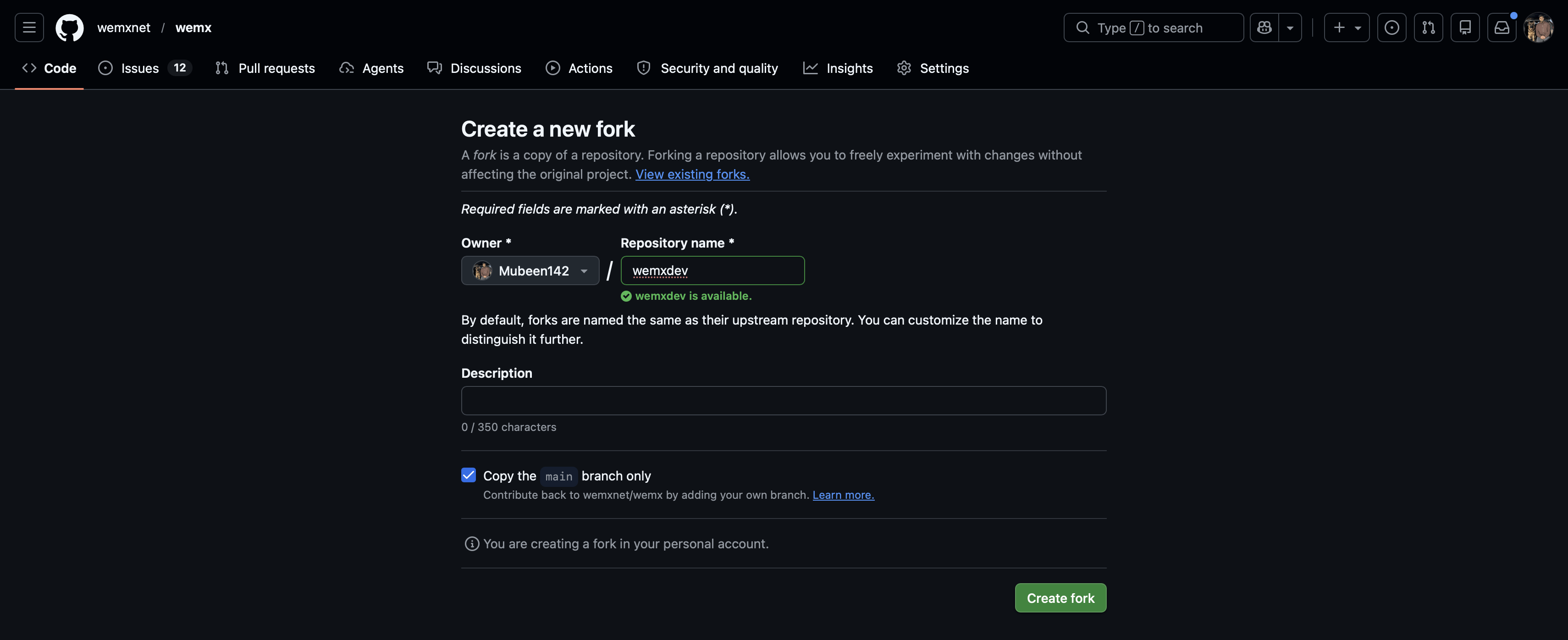
After creating the fork, you will be redirected to the forked repository
Click "Code" -> in the dropdown click "Open with GitHub Desktop"
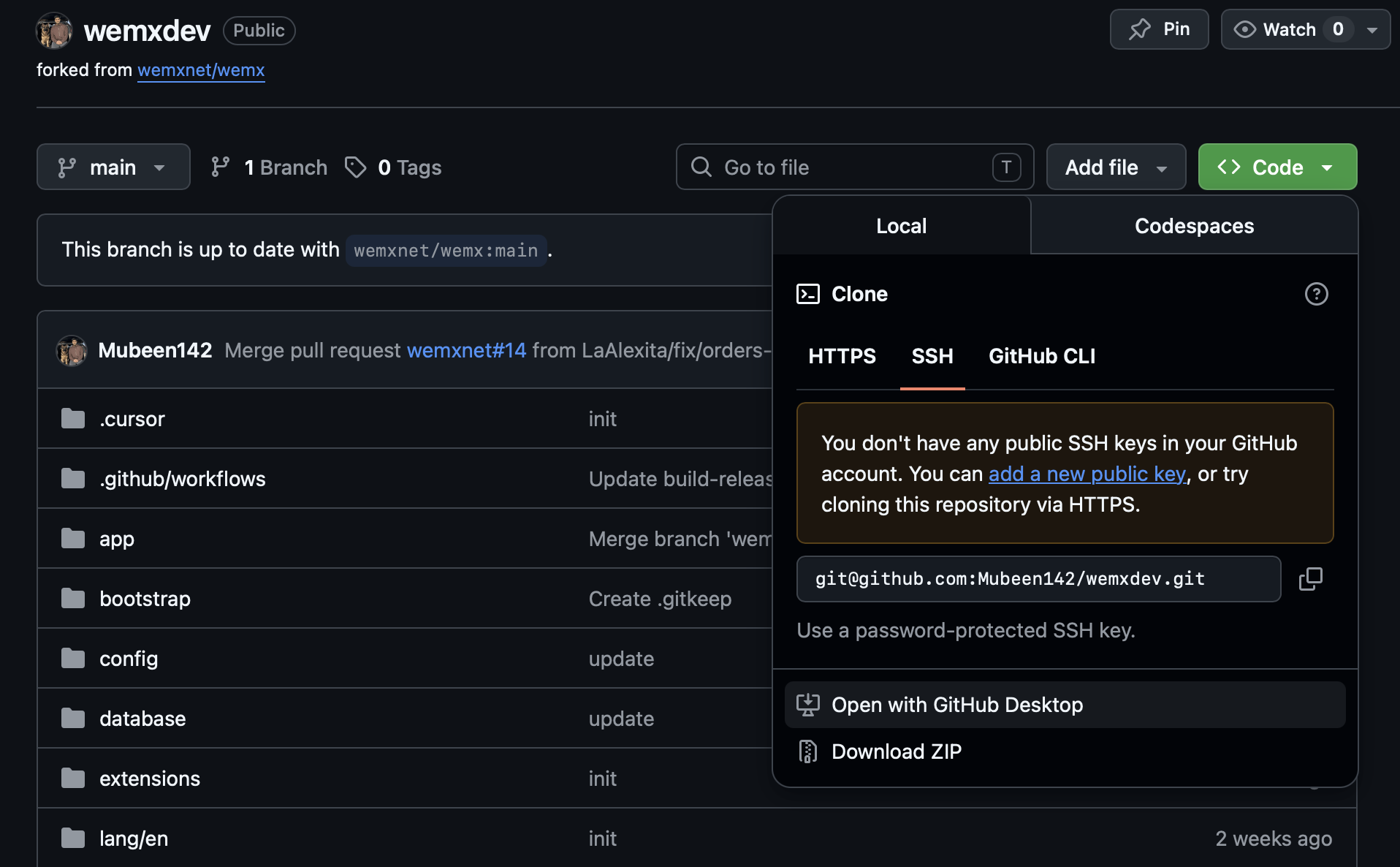
This will open the GitHub Desktop application, and prompt you to clone the repository
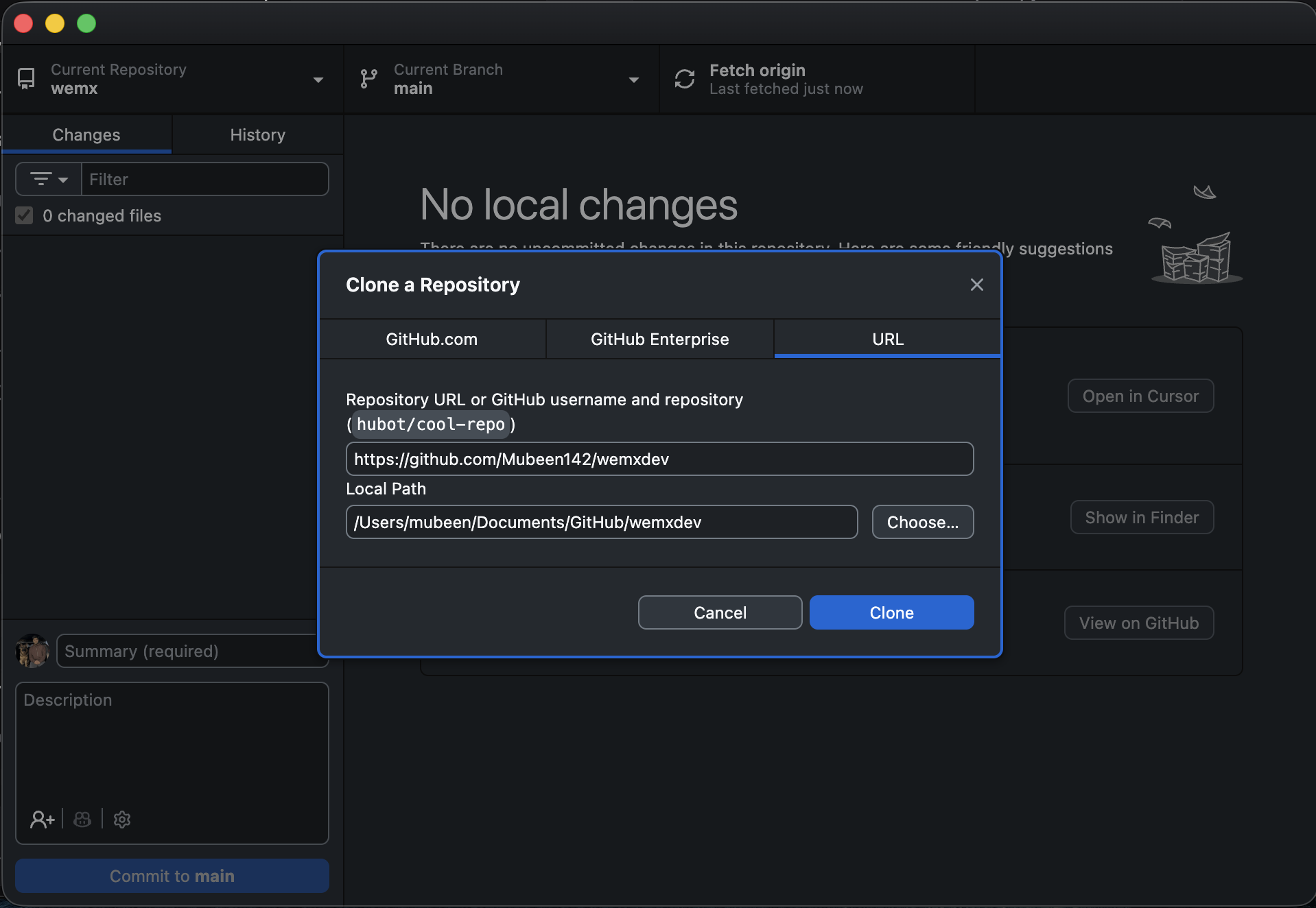
You can download GitHub Desktop here: https://desktop.github.com/download/
After cloning to GitHub desktop, you will see an option to open in your IDE on GitHub Desktop
Click "Open in [Your Code Editor]" (i.e Visual Studio Code, Cursor, PHPStorm)
The project will open in your code editor, then open the terminal window and run
composer installCreate a new .env file from .env.example
php artisan key:generate --forceYou can now start modyfing the WemX files, and the changes will reflect on GitHub Desktop app Commit those changes and push them to GitHub
To view the application, open Laravel Herd application -> Sites -> Add Site -> Select "Link Existing Project"
Select the folder that contains the wemx project
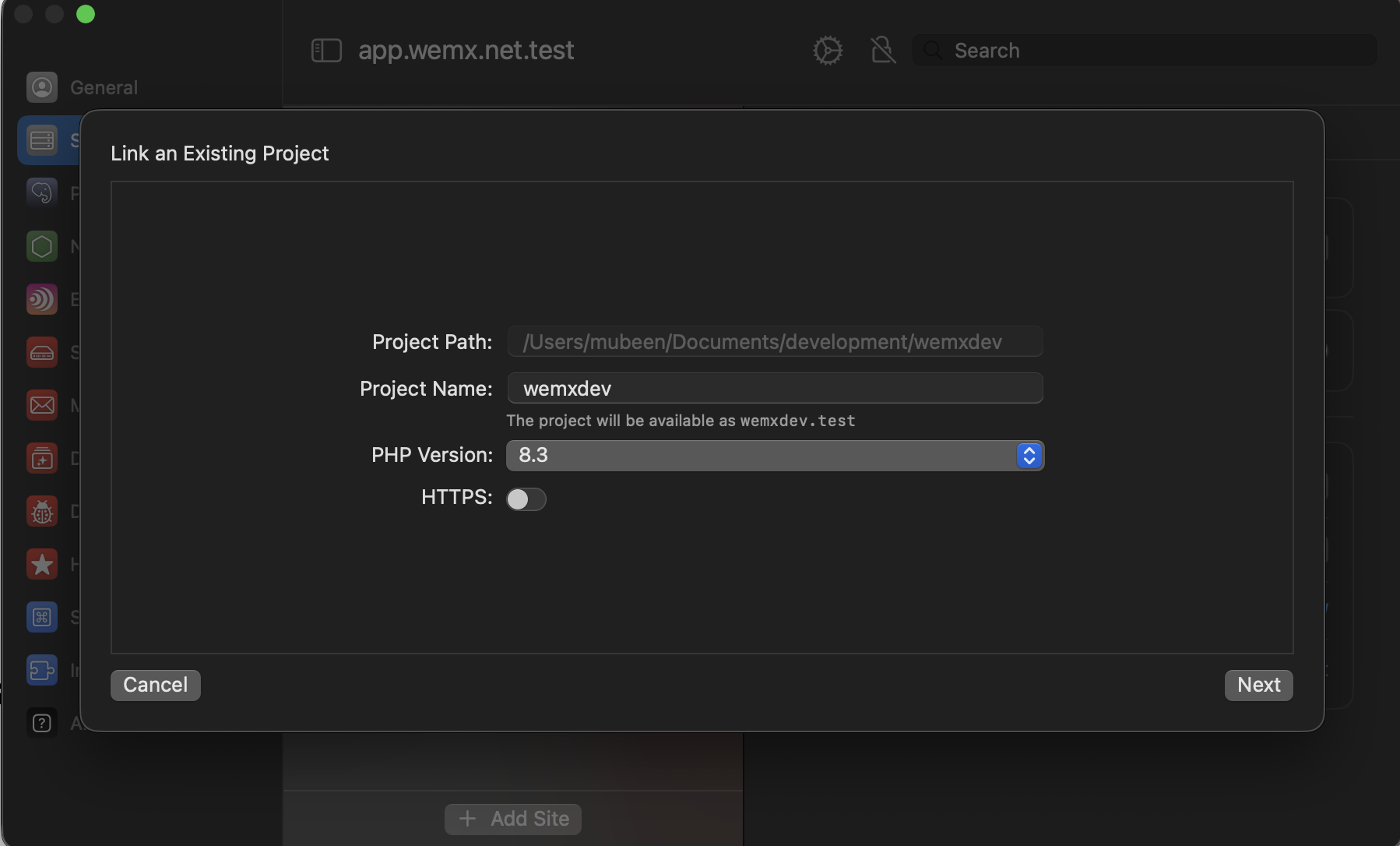
After adding the project, you can open it using [projectname].test in the browser
In our example, open in browser http://wemxdev.test
To run the queue worker and cron job schedular, keep this command running in your IDE terminal window
composer dev